If you own a Shark Robot Vacuum, you know how convenient it is to keep your floors clean without lifting a finger. But what happens when the vacuum’s dustbin is full?
Knowing how to empty your Shark Robot Vacuum quickly and properly can save you time and keep your device working at its best. In this guide, you’ll learn simple, step-by-step tips to empty your vacuum the right way—so you can get back to enjoying a spotless home without any hassle.
Keep reading to make sure your Shark Robot Vacuum stays in top shape!
Prepare Your Shark Robot Vacuum
Before emptying your Shark Robot Vacuum, preparation is key. Taking a few simple steps ensures a smooth process. These steps help prevent mess and keep your vacuum ready for the next use.
Start by making sure the device is safe to handle. Then, find the dustbin carefully. This helps you avoid damage and makes emptying easier.
Power Off The Device
Turn off your Shark Robot Vacuum before emptying it. This stops the vacuum from running during the process. Press the power button until the device shuts down. Unplug it from charging if it is connected. This prevents any accidental starts and keeps you safe.
Locate The Dustbin
Find the dustbin compartment on your Shark Robot Vacuum. Usually, it is at the back or side of the device. Look for a latch or button that opens the dustbin cover. Open it gently to avoid spilling dust. Knowing where the dustbin is saves time and effort.

Credit: www.youtube.com
Remove The Dustbin
Removing the dustbin from your Shark robot vacuum is the first step to empty it. This part holds all the dirt and debris collected during cleaning. Taking it out carefully keeps your vacuum working well and prevents messes.
Follow simple steps to remove the dustbin without any trouble. Handle it gently to avoid damage and spills.
Unlock The Dustbin
Find the dustbin latch or button on the vacuum. Press or slide it to release the dustbin. This mechanism keeps the dustbin secure during cleaning.
Make sure to hold the vacuum steady while unlocking the dustbin. This prevents accidental drops or damage.
Detach Carefully
After unlocking, pull the dustbin out slowly and straight. Avoid twisting or forcing it. This helps keep the dustbin and vacuum intact.
Place the dustbin on a flat surface before emptying. This avoids spills and makes the next steps easier.
Empty The Dustbin Contents
Emptying the dustbin of your Shark robot vacuum is a simple task. It keeps your vacuum working well and cleans better. Regularly emptying the dustbin stops dirt from building up inside. It also helps the vacuum last longer and saves you time.
Dispose Of Dirt And Debris
First, remove the dustbin from the vacuum carefully. Hold it over a trash can to avoid spills. Open the dustbin lid to release the dirt and debris. Tap the bin gently to clear stuck dirt. Dispose of all the dust and particles inside. Close the dustbin lid securely before putting it back.
Check For Clogs
Look inside the dustbin and vacuum opening for clogs. Remove any hair, string, or large debris caught inside. Use a soft brush or cloth to clean the dustbin edges. Clear the vacuum’s suction path if you see blockages. Make sure everything is dry before reassembling. This step helps keep strong suction and smooth cleaning.

Credit: www.sharkninja.com
Clean The Dustbin And Filter
Cleaning the dustbin and filter is a key step to keep your Shark robot vacuum working well. A clean dustbin helps the vacuum pick up dirt better. A clean filter keeps dust from clogging the vacuum’s motor. Regular cleaning extends your vacuum’s life and keeps your floors cleaner.
Wash The Dustbin
Remove the dustbin from the vacuum carefully. Empty all dirt and debris into the trash. Use warm water and mild soap to wash the dustbin. Avoid using harsh chemicals that can damage the plastic. Rinse it well and let it dry completely before putting it back. A dry dustbin prevents mold and keeps the vacuum running smoothly.
Maintain The Filter
Take out the filter from the dustbin. Tap it gently to remove loose dust. Use a soft brush to clean stuck particles. Do not wash the filter with water unless the manual says it is washable. Replace the filter every few months to keep the vacuum strong. A clean filter helps the vacuum suck up dirt better and keeps the air fresh.
Reassemble The Vacuum
After emptying the dustbin, reassembling the Shark Robot Vacuum is important. This step ensures the vacuum works properly for the next cleaning session. Follow each part carefully to avoid damage and keep the vacuum in good shape.
Insert The Dustbin Back
Hold the dustbin firmly with both hands. Slide it into the vacuum’s dustbin slot. Make sure it fits snugly without forcing it. The dustbin should click into place easily. A loose dustbin can cause the vacuum to stop working.
Secure The Lock
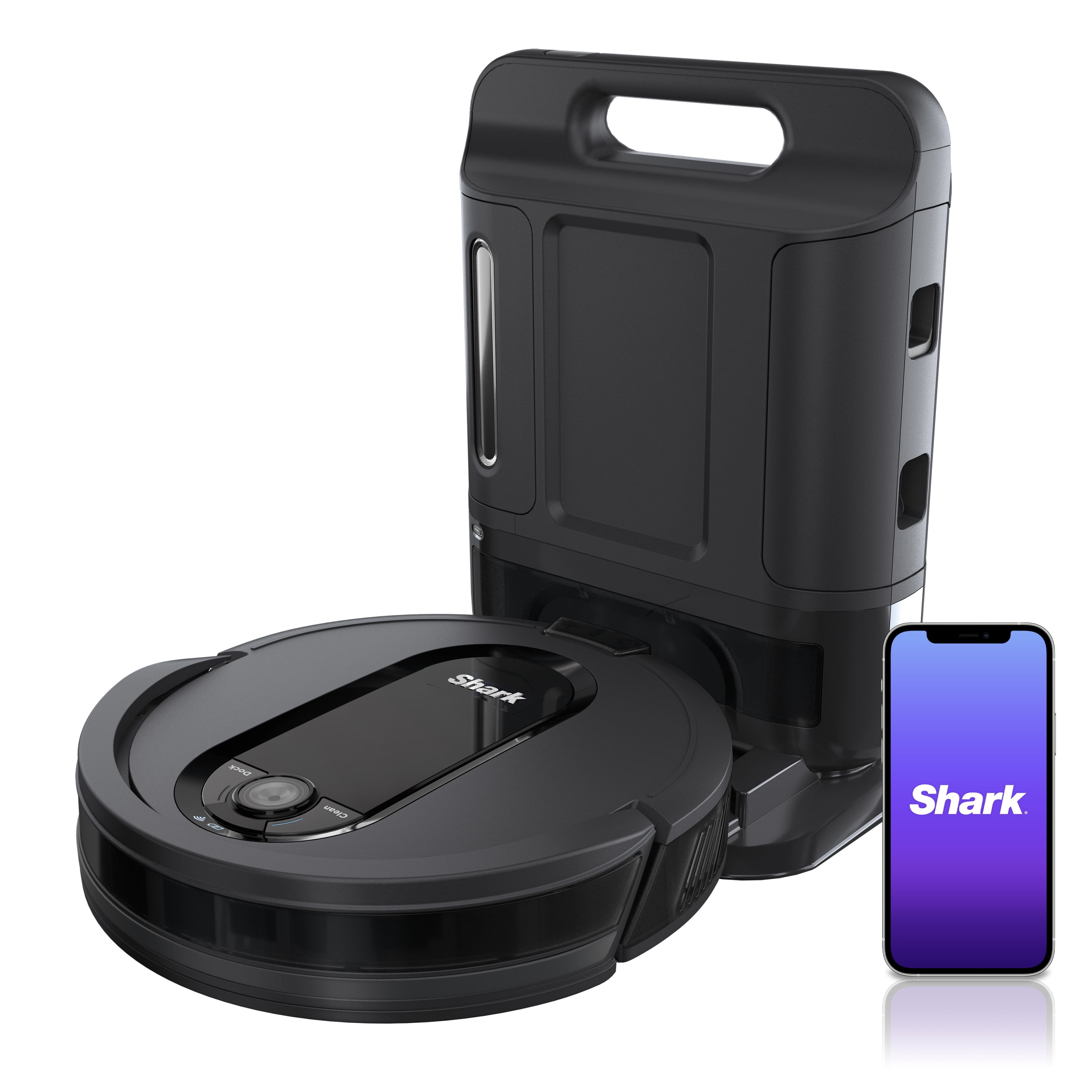
Locate the lock mechanism near the dustbin. Press or slide the lock to secure the dustbin. This step keeps the dustbin in place during cleaning. Double-check the lock to avoid any dust spills. A secure lock helps the vacuum run smoothly.
Credit: www.walmart.com
Tips For Regular Maintenance
Keeping your Shark Robot Vacuum clean helps it work well for a long time. Regular maintenance stops dirt and dust from building up. It also keeps the vacuum running smoothly and quietly. Follow simple tips to make emptying and caring for your vacuum easier.
Set A Cleaning Schedule
Choose a regular time to empty the vacuum’s dustbin. Check it after every cleaning cycle or every few uses. This prevents the bin from getting too full and blocking suction. Mark your calendar or set a phone reminder. Consistent emptying helps the vacuum clean better.
Use Proper Cleaning Tools
Use soft brushes or cloths to clean the dustbin and filters. Avoid harsh chemicals that can damage parts. A small vacuum brush or a microfiber cloth works best. Remove hair and debris from brushes carefully. Clean filters regularly to keep airflow strong. Proper tools keep your vacuum in top shape.
Frequently Asked Questions
How Do I Empty My Shark Robot Vacuum Bin?
To empty the bin, press the release button on the dustbin. Pull it out carefully, then dispose of the debris in the trash. Rinse the bin if needed and let it dry before reinserting it into the vacuum.
When Should I Empty My Shark Robot Vacuum?
Empty the bin after every cleaning cycle or when the bin is full. Regular emptying ensures optimal suction and prevents clogging. It keeps your vacuum running efficiently and prolongs its lifespan.
Can I Wash The Shark Robot Vacuum Dustbin?
Yes, you can wash the dustbin with warm water and mild soap. Avoid using harsh chemicals or submerging the entire vacuum. Make sure the bin is completely dry before placing it back into the robot vacuum.
Why Is My Shark Robot Vacuum Not Emptying Properly?
Improper emptying may occur due to a clogged dustbin or filter. Check for blockages and clean the filter regularly. Also, ensure the bin is correctly seated after emptying to maintain strong suction.
Conclusion
Emptying your Shark robot vacuum is quick and simple. Open the dustbin carefully and remove the debris. Check the filter and clean it if needed. Doing this regularly keeps your vacuum working well. It also helps your floors stay cleaner longer.
Small steps make a big difference. Keep your vacuum ready for the next cleaning session. This easy habit saves time and effort. Enjoy a tidier home with less hassle.
As an Amazon Associate, I earn from qualifying purchases.